Farm timekeeping & payroll preparation
Make farm payroll fast and easy.
Start with crew time, review the corrections, and download files for the next step with your payroll team or provider.
No card needed · 30 days of Visa features · Free afterward
Agree the file before changing the process
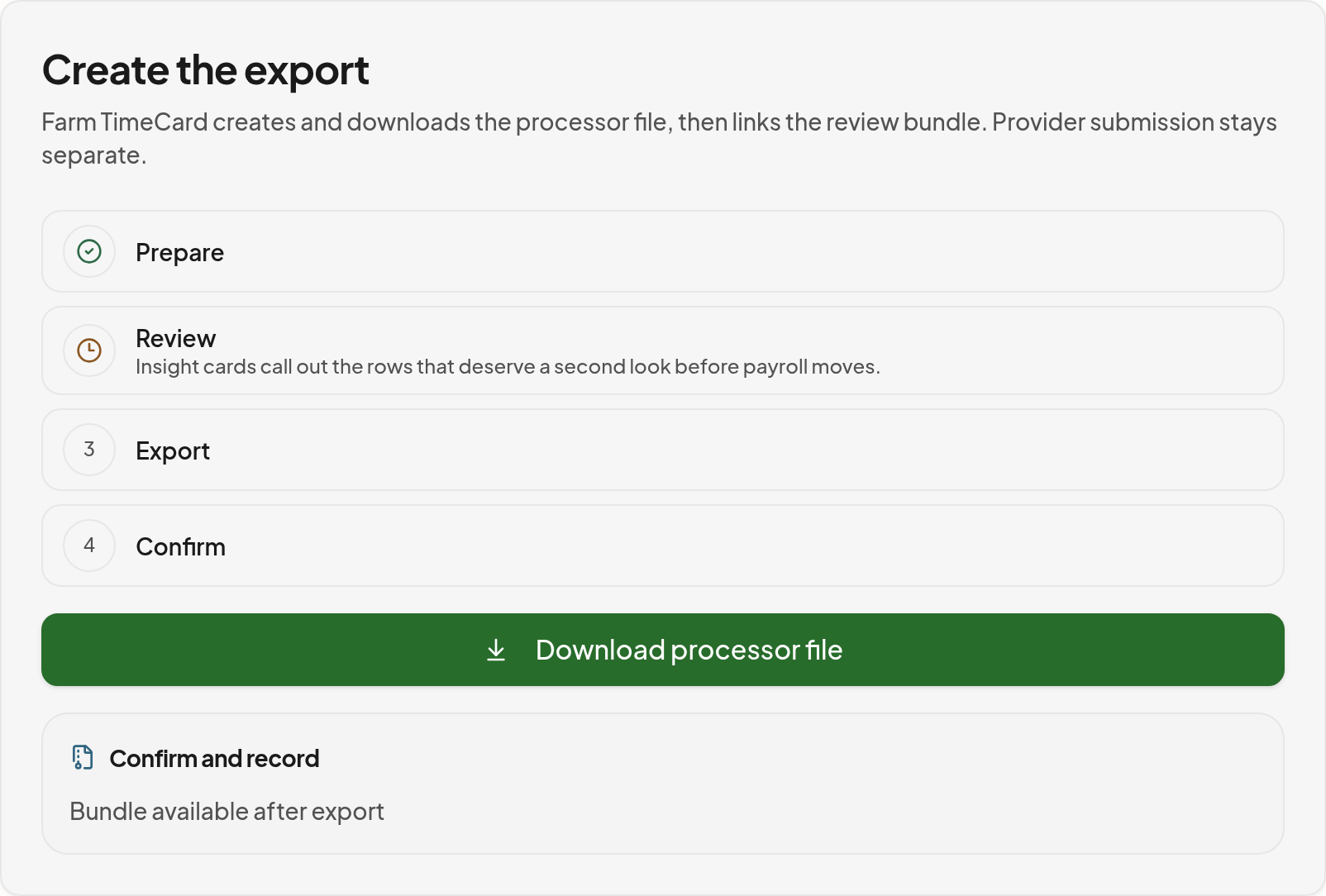
Your payroll team should confirm the required file or review worksheet, employee identifiers, period boundaries and column mapping. A prepared file is not a payroll submission or a completed payment.
- Review and approve the period's corrections before export.
- Compare worker counts and hour totals with the reviewed records.
- Check rates, units and supported calculation outputs with your payroll team.
- Run an agreed sample import or worksheet review before the first live cycle.
- Keep a copy of the reviewed file and resolve any rejected or unmatched rows.
From the field to a clear payroll handoff.
Capture hours on supported devices, keep crew scheduling visible, review corrections and prepare payroll files.
01
Plan
Schedule the crew and keep the day’s work visible.
02
Capture
Record hours, breaks, and supported production work.
03
Review
Check timecards, rates, and items ready for attention.
04
Prepare
Prepare pay details and files for your payroll team.

Inside Farm TimeCard
Review the record before preparing files.
Genuine product screens with synthetic demonstration data. Explore each step without a crowded dashboard collage.
View the larger screenshot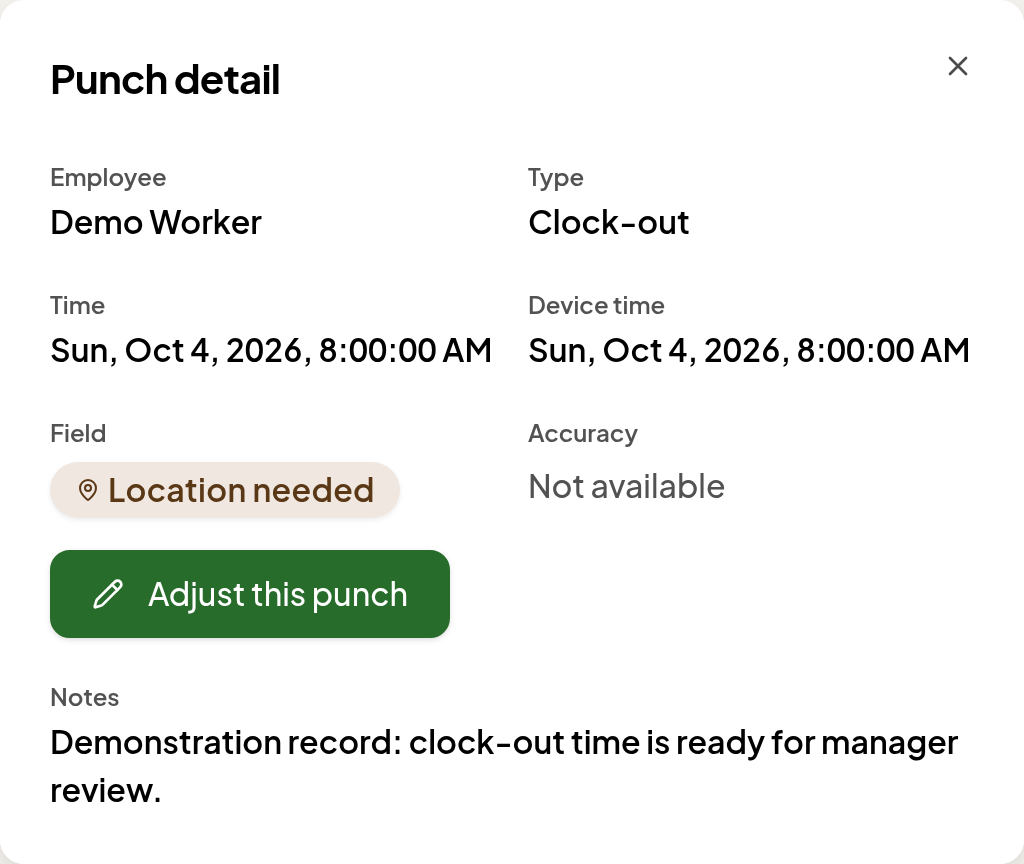
Your payroll process. Better records going into it.
FILE_EXPORT_ONLY — Farm Timecard prepares files and review summaries. Your payroll provider or team handles applicable taxes, net pay, payments and filings. Direct submission to payroll providers is unavailable. A download does not mean workers have been paid.
Work, location, dates, agreements and worker classification govern the rules. A farm category alone does not establish a rule or exemption. Local and program conditions can apply. These pages support preparation, not a compliance guarantee or legal advice.
What to confirm before changing the process.
- Which file or worksheet can your payroll team review or import?
- Who reviews corrections and approves records?
- Which format and reconciliation checks does your payroll team need?
Make farm payroll fast and easy.
Your crew does the work. Paper, handwriting, chasing hours, re-entry and manual calculations add work in the office.
- Crew
- Get crew hours organized and payroll ready to review—quickly, easily, and cleanly.
- Producer
- Review supported piece pay, applicable wage-floor adjustments and overtime alongside your hours.
- Visa
- Prepare supported H-2A calculations and documentation with the worker, job-order and program evidence in view.
Crew, Producer and Visa include Oregon AEOTC estimates and record preparation; Free excludes AEOTC. Confirm Oregon eligibility and the supported workflow. An estimate is not a tax filing.
FILE_EXPORT_ONLY — Farm Timecard prepares files and review summaries. Your payroll provider or team handles applicable taxes, net pay, payments and filings. Direct submission to payroll providers is unavailable. A download does not mean workers have been paid.
Automatic calculations. Clear explanations. Payroll you can double-check.
Worked calculation examples and the new explanation reports are being verified. Confirm current availability for your workflow before relying on them.
Explore your state and farm activity
Choose the tools your farm needs.
The trial includes Visa features for 30 days, whichever plan you are considering. Afterward, your organization moves to Free unless you choose an available paid plan.
No card needed · 30 days of Visa features · Free afterward